
NEW Tap to Pay Card Functionality!
Available with your Debit and Credit Cards Click to ask a Question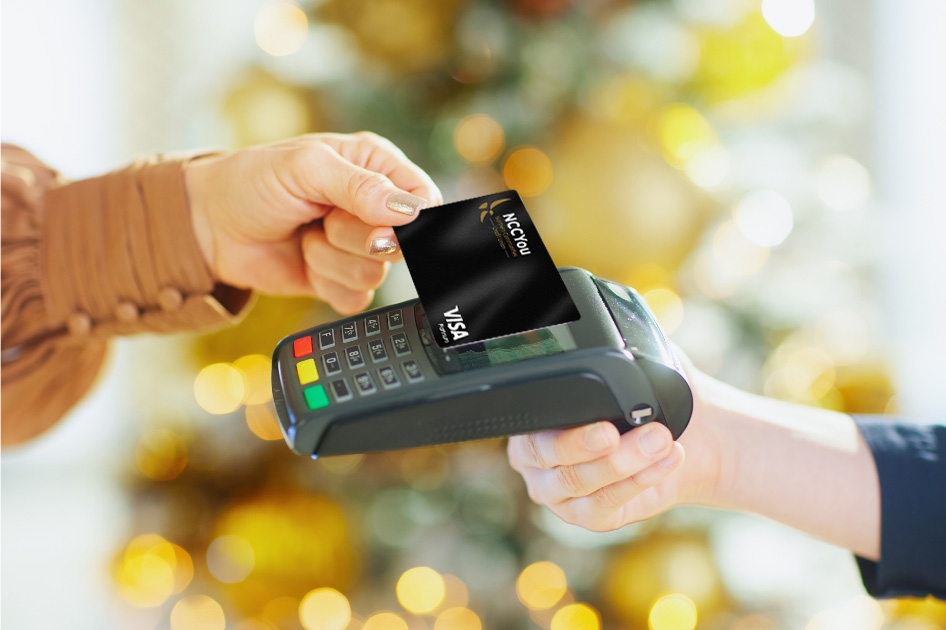
Contactless Cards NOW AVAILABLE!
Tap into a faster, easier way to pay. Contactless cards are here! Easily upgrade by visiting your local branch to re-issue your card now through the end of the year (12/31/26) at no charge. Giving you the ability to simply tap and go at checkout. No swiping, no inserting, just a quick, secure payment experience designed for your everyday convenience.
NEW! Mobile Wallet Capabilities are here!
Skip the wallet. Tap into something smarter.
Pay Your Way
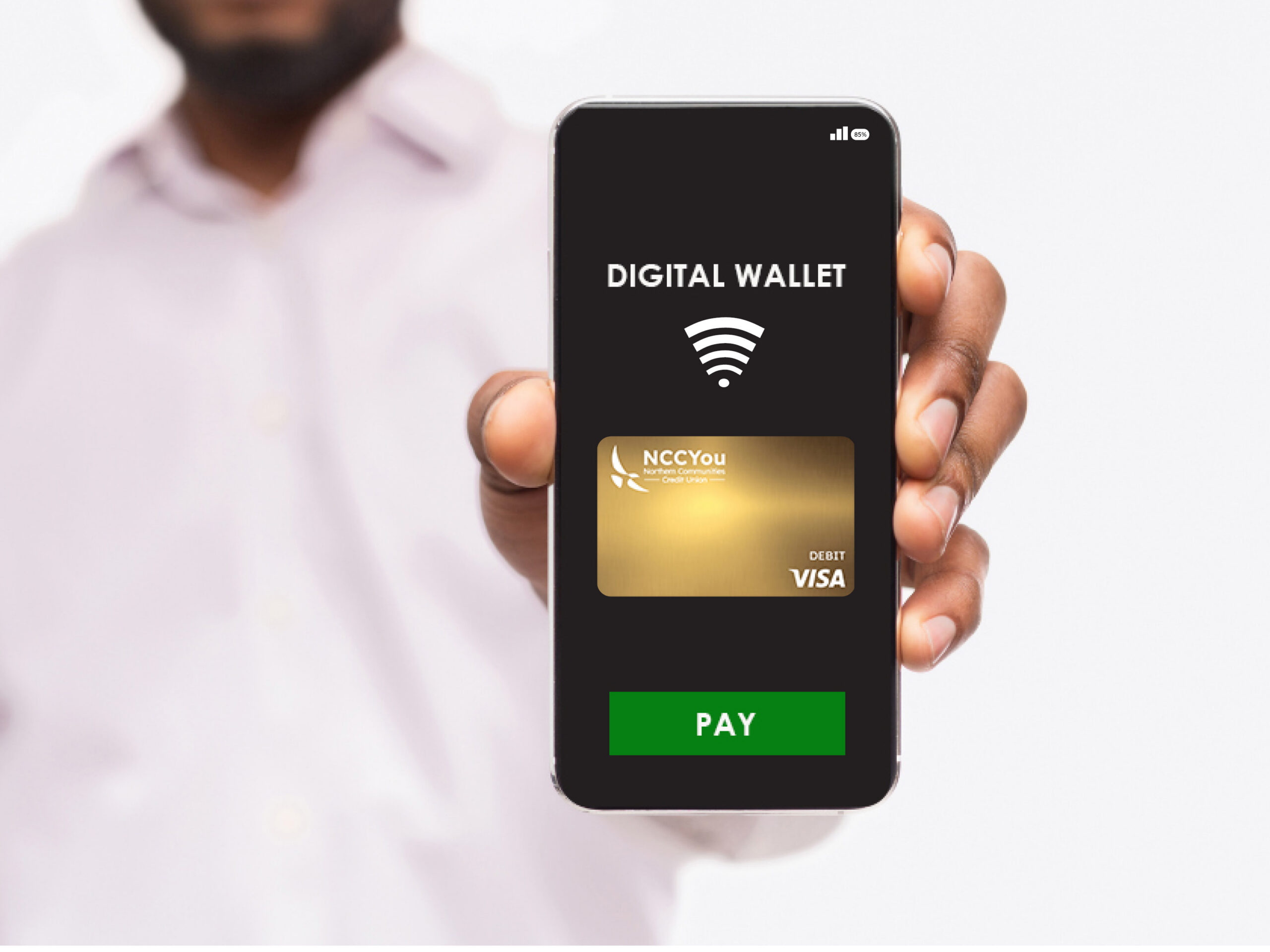
Add your credit or debit card to your preferred mobile wallet—like Apple Pay, Google Pay, or Samsung Pay—and start using it right away. No more digging through your purse or wallet. Just tap your device and go.
Easy Set-Up
Built for Security
Your information stays protected with advanced encryption and tokenization, so your actual card number is never shared during transactions. Plus, your device’s built-in security—like Face ID, fingerprint, or passcode—adds an extra layer of protection
To set up your mobile wallet visit the applicable pages:
For Apple: Set up Apple Pay on your iPhone, Apple Watch, iPad, or Mac
For Samsung: Set up Samsung Pay on your Android Phone
Google Pay: Set up Google Pay on your Android Phone
Mobile Wallet FAQs
(Click below to expand)
What is a mobile wallet?
A mobile wallet lets you add your debit or credit card to your phone, smartwatch, or other compatible device so you can make payments without using the physical card. Apple Pay, Google Pay, and Samsung Pay are examples of mobile wallets. You can use them in stores, in apps, and on some websites where mobile wallet payments are accepted.
Is a mobile wallet safe to use?
Yes, mobile wallets are designed with strong security features. Your actual card number is not typically shared with the merchant. Instead, the wallet uses a unique digital card number or token for the transaction.
Your device may also require Face ID, fingerprint, passcode, PIN, or another form of authentication before a payment can be made.
Will the merchant see my real card number?
No, in most cases the merchant does not receive your actual card number. Mobile wallets use a substitute number, often called a token, to process the payment. This helps protect your card information.
Which cards can I add to a mobile wallet?
Most eligible debit and credit cards can be added to supported mobile wallets. If your card is not accepted, it may be due to the card type, wallet compatibility, card status, or a verification issue.
How do I add my card to Apple Pay?
On an iPhone, open the Wallet app, tap the plus sign, and follow the prompts to add your card. You may be asked to verify the card by text, email, phone call, or through another approved method. Once the card is verified, it should be ready to use with Apple Pay.
How do I add my card to Google Pay?
Open the Google Wallet app, tap to add a payment card, and follow the prompts. You may need to verify the card using a code, phone call, email, or another approved verification method.
After verification, the card should be available for contactless payments and other supported transactions.
How do I add my card to Samsung Pay?
Open the Samsung Wallet app, choose the option to add a payment card, and follow the prompts. You may be asked to verify the card before it can be used.
Once verification is complete, the card should be ready for eligible mobile wallet payments.
Why do I need to verify my card?
Verification helps confirm that the person adding the card is the actual cardholder. It is an added security step to help protect your account and prevent unauthorized use.
Depending on the card and wallet, verification may be completed by text, email, phone call, app confirmation, or another approved method.
What if I do not receive the verification code?
First, confirm that the phone number or email address on file is current. If the contact information is outdated, we may need to update it according to our normal procedures before verification can be completed.
Also check spam or junk folders if the code was sent by email and confirm cellular or internet service if the code was sent by text.
Why was my card not approved for the mobile wallet?
There are a few possible reasons. The card may not be eligible, the card may be inactive, locked, expired, reported lost or stolen, or there may be a verification issue.
Can I use my mobile wallet right away after adding my card?
Typically, yes. Once the card is successfully added and verified, it should be ready to use. If the card still shows as pending or unavailable in the wallet, the verification may not be complete.
Where can I use Apple Pay, Google Pay, or Samsung Pay?
You can use a mobile wallet anywhere the merchant accepts contactless payments or shows the Apple Pay, Google Pay, Samsung Pay, or contactless symbol. You may also be able to use it in apps or on websites that support mobile wallet checkout.
How do I pay in a store with a mobile wallet?
At checkout, look for the contactless payment symbol. Open or activate your mobile wallet, choose the card if needed, authenticate with your face, fingerprint, PIN, or passcode, then hold the device near the payment terminal.
The terminal should confirm when the payment is accepted.
Do I still need my physical card?
A mobile wallet is convenient, but it is still a good idea to keep your physical card available when needed. Not every merchant accepts mobile wallet payments, and some situations may still require the physical card.
Is there a fee to use a mobile wallet?
We do not charge a fee just for adding or using your card in a mobile wallet. However, the normal terms and fees for your card still apply, such as overdraft fees, interest, cash advance fees, or other account related fees if applicable.
Will I still earn rewards when I use my credit card through a mobile wallet?
In most cases, mobile wallet purchases are treated like regular card purchases, so eligible rewards should still apply. The exact rewards depend on the card program and the type of transaction.
Will mobile wallet transactions show on my account?
Mobile wallet transactions usually appear on your account just like regular card transactions. The merchant’s name, amount, and transaction date should display in your account history.
What if my phone is lost or stolen?
If your phone is lost or stolen, you should use the device’s lost device feature as soon as possible, such as Find My iPhone, Find My Device, or Samsung Find. These tools may let you lock the device or remove wallet access.
You should also contact us right away so we can review your card and help protect your account.
What if my physical card is lost or stolen, but it is also in my mobile wallet?
If your physical card is lost or stolen, contact us right away. We may need to block or replace the card. The mobile wallet version of the card would also be affected.
Once a replacement card is issued, you would need to update or re add the new card in your mobile wallet.
What if I get a replacement card?
Sometimes the mobile wallet updates automatically when a replacement card is issued, but not always. If the wallet does not update, you may need to remove the old card and add the new one.
If you are unsure, we can help check the card status.
What if my card expires?
In some cases, the wallet may update automatically with the new expiration date. If it does not, you may need to remove the expired card and add the new card once you receive it.
Can I remove my card from a mobile wallet?
Yes. You can remove a card directly from the wallet app on your device. Open the wallet, select the card, and choose the option to remove or delete it.
If you no longer have the device, contact us so we can review options for removing or disabling the digital version of the card.
Can I add the same card to more than one device?
Yes, in many cases you can add the same card to multiple eligible devices, such as a phone, smartwatch, or tablet. Each device may require its own verification.
Can someone else add my card to their phone?
Cards should only be added to devices by authorized cardholders. If someone else needs access, we should review whether they are authorized on the account or whether another card should be issued.
What should I do if I see a mobile wallet transaction I do not recognize?
Contact us right away so we can review the transaction and help determine the next steps. If the transaction may be unauthorized, we may need to follow our fraud or dispute process
You should also check whether the card was added to any devices you recognize and whether anyone authorized on the account may have made the purchase.
Why was my mobile wallet transaction declined?
A mobile wallet transaction can be declined for the same reasons a regular card transaction might be declined. For example, insufficient funds, card limits, fraud protection, card status, merchant issues, or network problems.
What should I do if the payment terminal does not read my phone?
First, make sure the merchant accepts contactless payments. Then confirm that your device is unlocked or authenticated, the correct card is selected, and the device is held close to the reader.
If it still does not work, you may need to try the physical card or contact the wallet provider or device manufacturer for device specific troubleshooting.
Can I use a mobile wallet at an ATM?
Some ATMs support contactless card access, but not all do. If the ATM shows the contactless symbol and supports wallet access, you may be able to use your phone instead of inserting your card.
The transaction will still require the appropriate PIN or authentication.
Can I get cash back at checkout using a mobile wallet?
It depends on the merchant, the card type, and how the transaction is processed. Some merchants may allow cash back with debit transactions, while others may not support it through mobile wallet payments.
If cash back is needed, using the physical debit card may be more reliable.
Can I use a mobile wallet internationally?
Mobile wallets may work internationally where contactless payments are accepted, but availability depends on the merchant, the country, and the card network.
Before traveling, it is a good idea to let us know about your travel plans and make sure your physical card is available as a backup.
Do mobile wallet purchases have the same limits as my card?
Mobile wallet transactions generally follow the same limits and restrictions as the physical card. Some merchants or payment terminals may also have their own contactless transaction limits.
Can I choose which card is used in my mobile wallet?
Yes. You can select a default card in your wallet app, and you can usually choose a different card before making a payment. The exact steps depend on the device and wallet app.
What if I accidentally added the wrong card?
Yes. You can remove the card from the wallet app and add the card you want to use. If the card was added successfully but you do not want it available in the wallet, remove it from the device.
Can I dispute a mobile wallet transaction?
Yes, mobile wallet transactions can generally be reviewed through the normal dispute process, just like other card transactions.
Can I use mobile wallet payments for recurring charges?
Some merchants allow mobile wallet payments for recurring charges, while others require the card number to be entered directly. If a recurring payment is tied to a mobile wallet token, it may continue unless the merchant, wallet, or card settings are changed. For bills or subscriptions, it is a good idea to confirm payment details directly with the merchant.
If I lock my card, will mobile wallet transactions still work?
Card controls affect both the physical card and the mobile wallet version. If your card is locked, transactions may be declined, including mobile wallet purchases.
Can I use mobile wallet payments if my card has not arrived yet?
We currently do not support digital card provisioning before the physical card arrives. You will need to wait until the physical card arrives to be able to add it to your mobile wallet.
What if my name or address changes?
A name or address change may not immediately affect your mobile wallet, but it is important that your account and card information stay current. If a new card is issued, you may need to update or re add the card in your wallet.
Does using a mobile wallet affect fraud protection?
Yes, your card’s fraud protection still applies according to the card terms and applicable rules. If you notice anything suspicious, contact us right away so we can review it.
Who do I call if this does not work?
For questions about your card, verification, declined transactions, lost or stolen cards, or suspicious activity, contact us directly. For device setup, app errors, or problems with Face ID, fingerprint, passcode, or the wallet app itself, you may also need help from Apple, Google, Samsung, or your wireless provider.